Contents
Field Guide · 06 of 17
Explore
The directory of every RALLIER club and business, plus a map of clubs, spots, and events near you.

Explore is how you find a club, business, or spot you don't already belong to or follow. RALLIER lists every club that's open to join in one directory — there's no invitation required to find one, only to be approved once you ask — which makes Explore the front door for almost everyone who joins a club they didn't already know about in person.
On the web
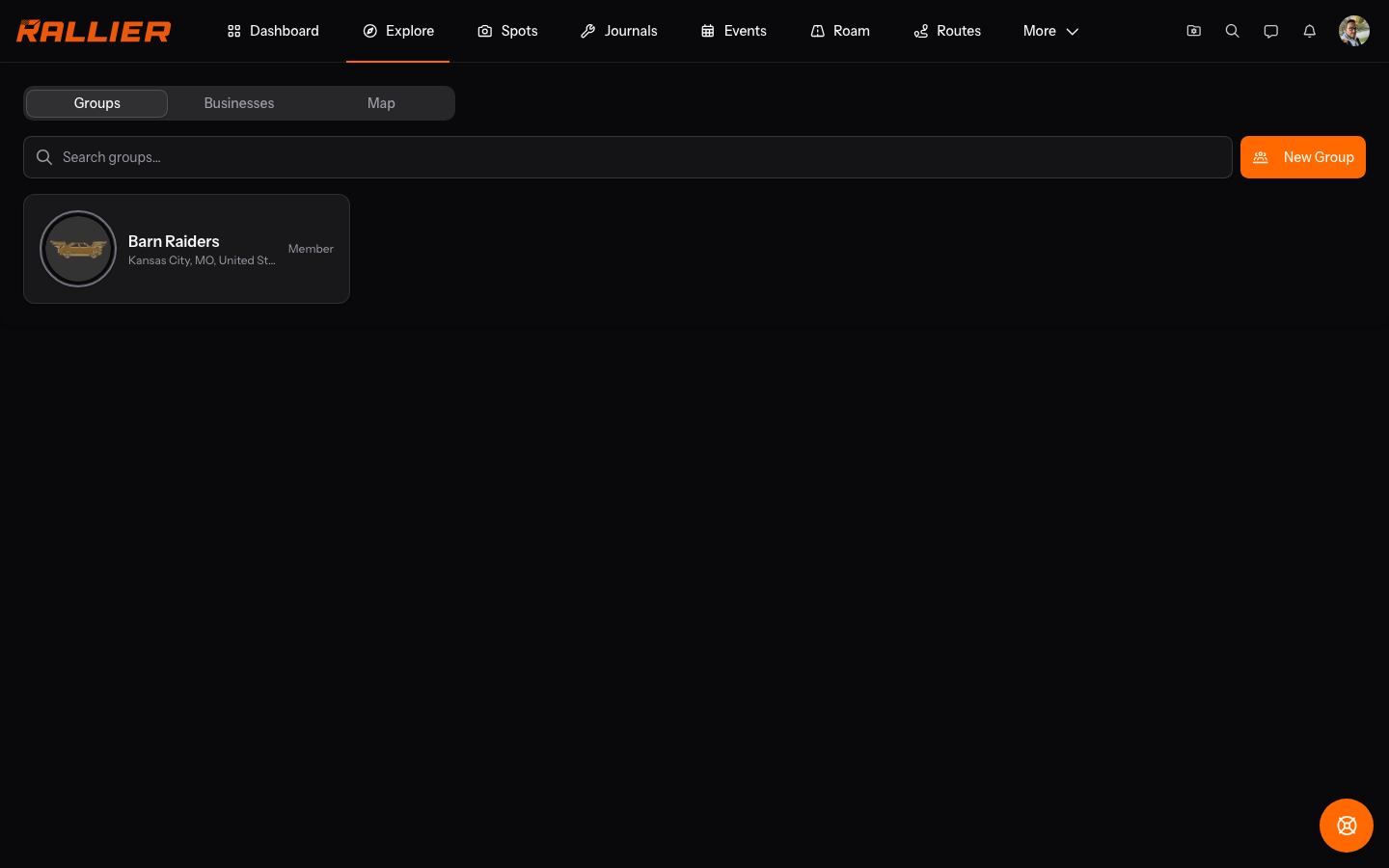
Explore on the web is a full directory, not just a map: every open club is searchable by name, including ones you've already joined, and a club you belong to opens straight into its site rather than its public profile. A club's public profile explains what it's about and carries a Request to join this group button, which sends the club a request an admin has to review before it goes through. Businesses work the same way, with their own directory tab and their own profile page, for the shops and services car clubs tend to deal with.
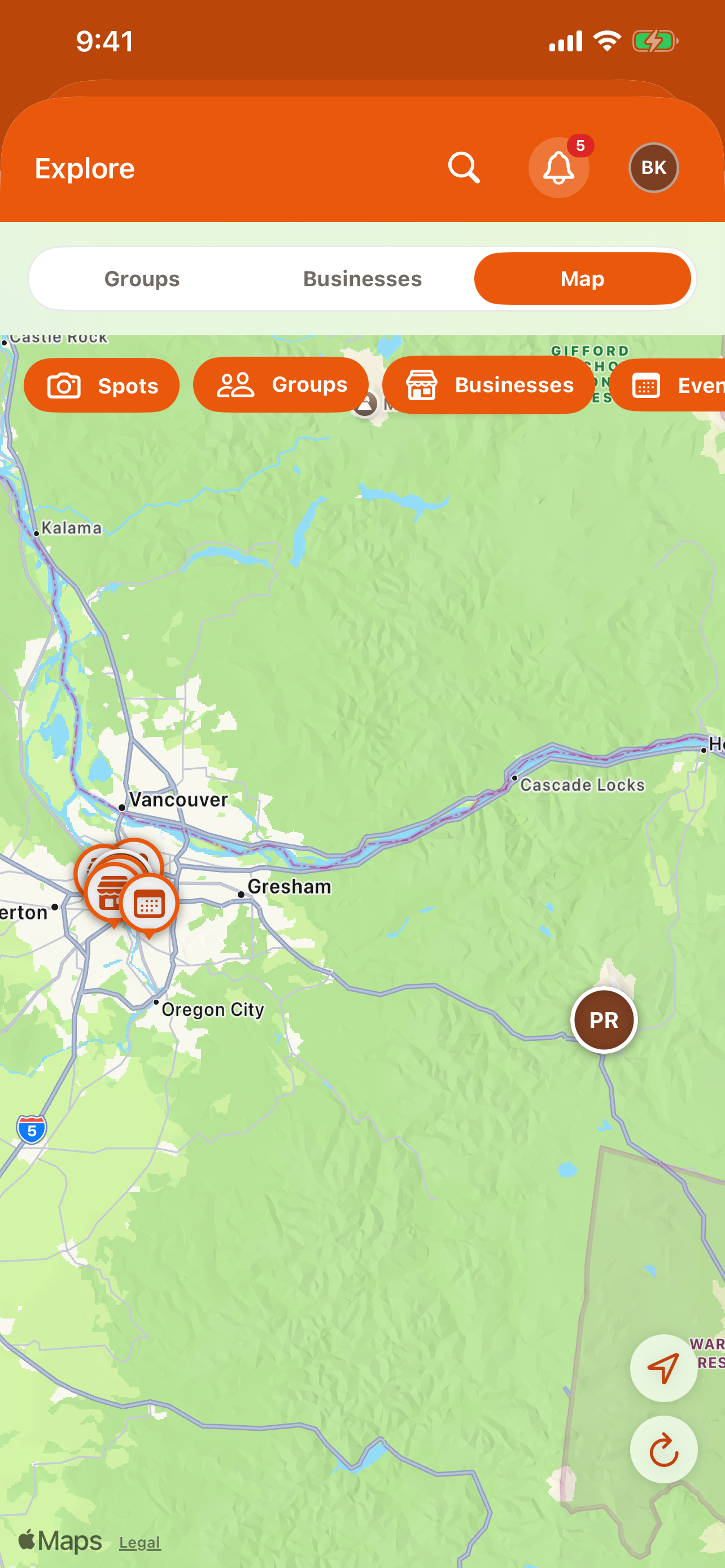
The same page also holds a map with independent layers for clubs, spots, businesses, and events, so you can look at just one kind of pin at a time or all of them together, panning and zooming the same way any map does. A pin opens the same profile or detail view you'd reach by tapping a row in the directory — the map and the list are two views onto the same data, not two separate features.
In the RALLIER app
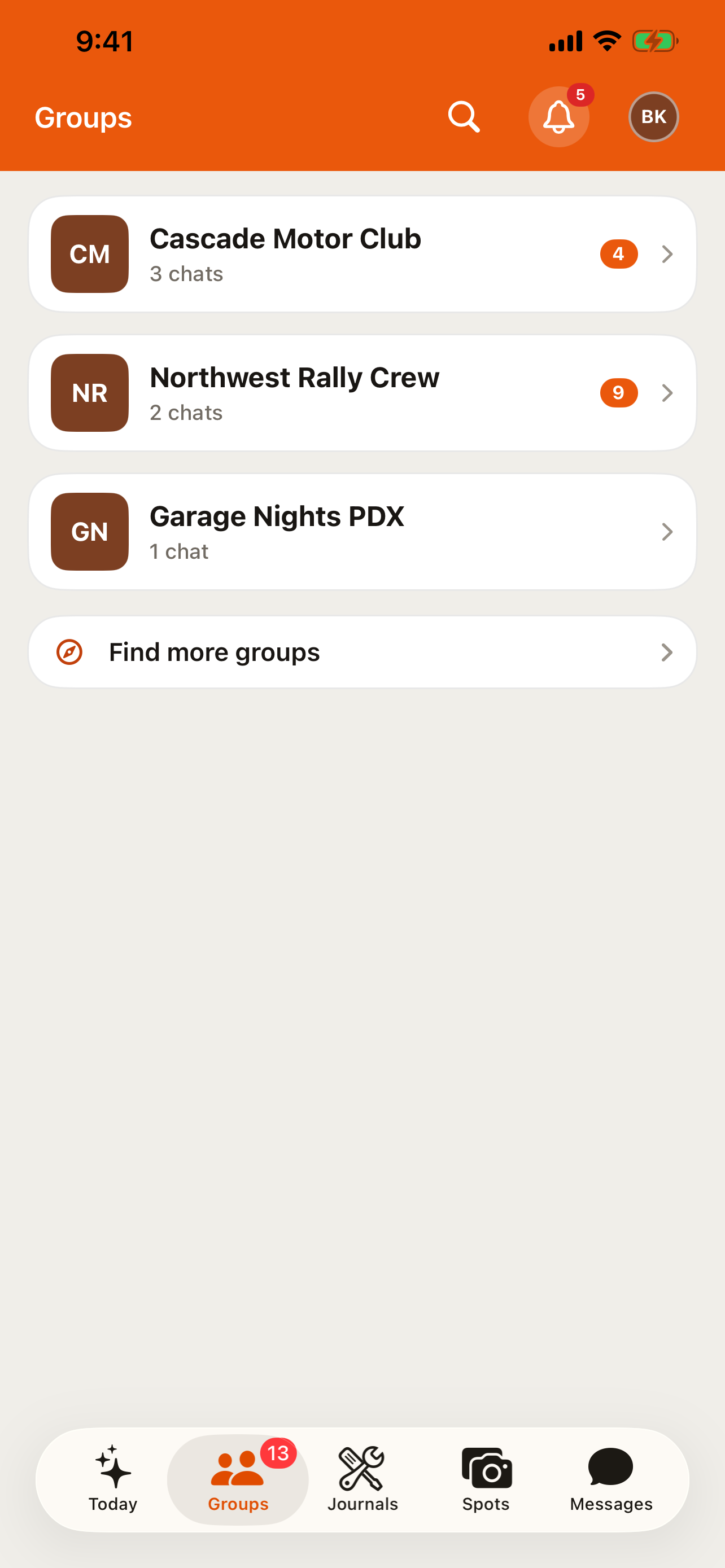
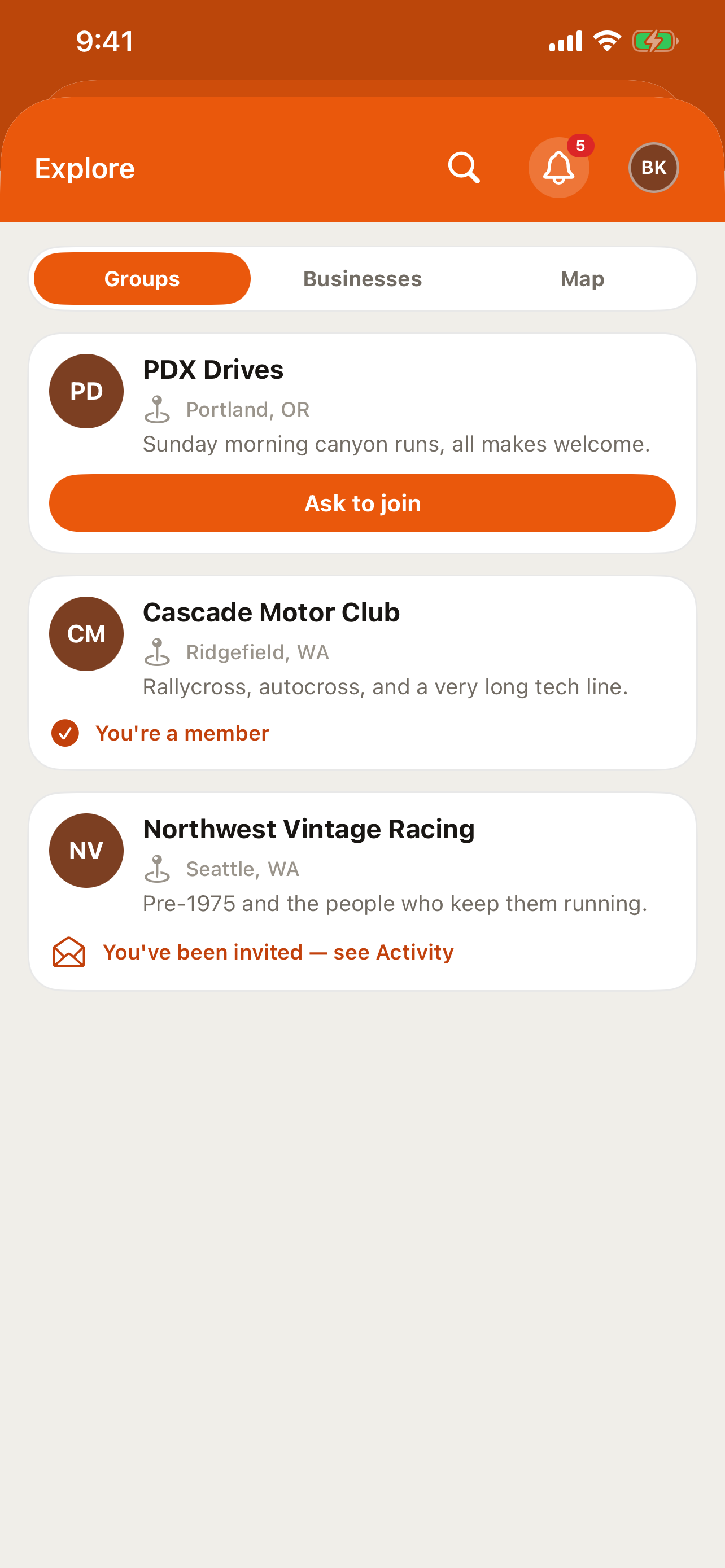
Explore isn't one of the five tabs — reach it from Groups, tapping Find more groups, or from the account menu behind your header avatar. On an iPad or a large Android screen, Explore gets a permanent sidebar row instead of living behind either of those, since there's room for it there that the phone's tab bar doesn't have. The directories and map work the same way as on the web, and the join request works the same way too, labeled Ask to join on Android.
The Spots tab's Grid/Map toggle draws on the same map as Explore, so moving between browsing photos and browsing clubs on a map is a single tap rather than a different screen; see Spots for the rest of that tab.
Tips
- Searching Explore searches every open club on the platform, not just ones nearby.
- A request to join isn't instant — an admin has to accept it before you're a member.
- The map's layers toggle independently, so you can turn off everything except, say, upcoming events.
- A club you're already a member of shows up in the directory too, and tapping it just takes you home rather than to its public page.
- Explore's business directory is a good place to look before asking your club's chat where to get something done — a shop or service may already have a profile.