Contents
Field Guide · 10 of 17
Messages and friends
Direct message anyone across clubs, send and manage friend requests, and follow the members, groups, and businesses you want to keep up with.

Your RALLIER identity isn't locked to one club. Friends, follows, and direct messages all live at the account level, so the person you met at one club's meet is still reachable if you both belong to different groups.
On the web
Messages is your direct-message inbox — a list of conversations on the left, the thread on the right. Start a new conversation with anyone on RALLIER regardless of which clubs either of you belong to, send attachments alongside text, and messages are marked read as you view them so your unread count stays accurate. Nothing about a direct message is tied to a specific club's chat; it's a conversation between two people.
Friends & Followers is where the rest of your connections live, split into tabs. Incoming friend requests show up at the top so you can accept or decline them without hunting for them. The Friends tab lists people you have a mutual, accepted connection with — friending someone is a two-way request, unlike following. Following covers everyone and everything you follow one-directionally: other members, business profiles, and groups you want updates from without joining. Followers shows who follows you back. You can unfriend, unfollow a person, or unfollow a business profile independently — removing one connection doesn't touch the others.
Following a group is deliberately separate from joining one. Following just keeps you posted on a group's public activity; it doesn't create a membership, put you in that group's chat, or give you any of the access an actual member has.
In the RALLIER app
Both iOS and Android carry the same friend and follow model as the web — send and manage friend requests, follow members and businesses, and see your friends list from your profile. Direct messages live in the app's Messages tab, with the same cross-club inbox as the web version, including sending attachments and reactions to messages.
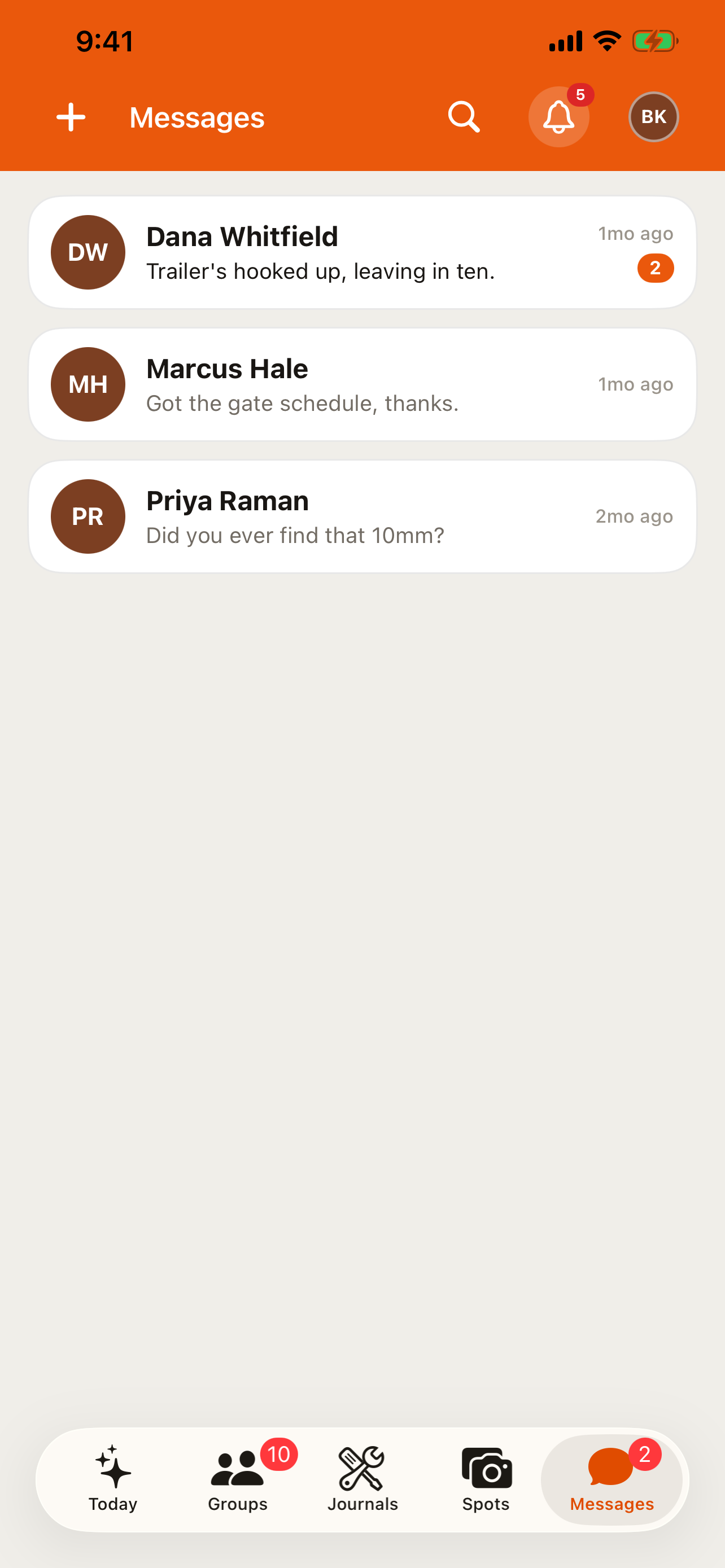
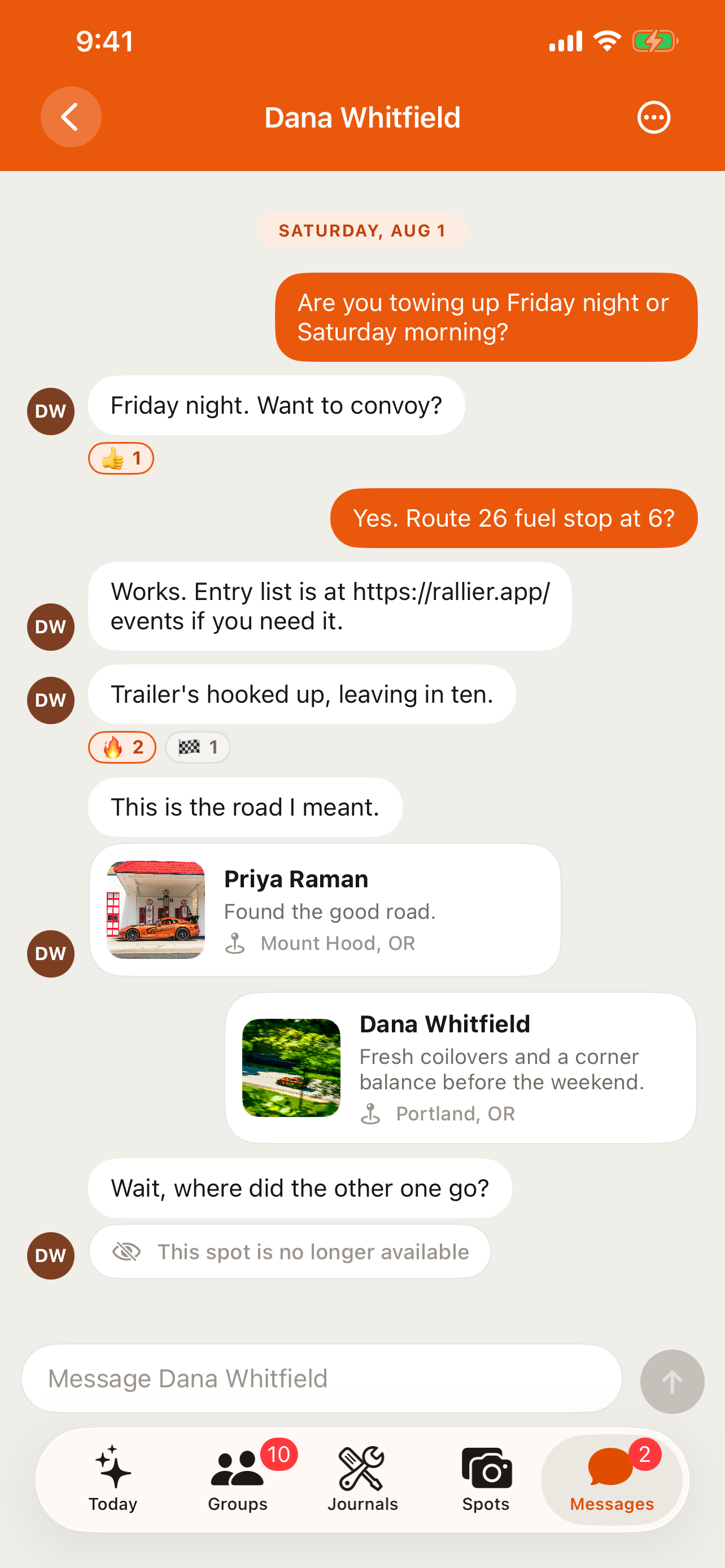
The apps also have an Activity feed, reached from the bell icon in the header: friend requests, new followers, group invitations, and engagement on your spots collect there in one place, so you're not relying on push notifications alone to catch up. The web has its own notifications bell and a full notifications page covering the same kind of activity, so you're not missing anything by staying on one side or the other.
You can report or block another user from a direct message on either platform, the same as anywhere else in the app — see Safety and moderation for what happens after you do.
Tips
- Friending is mutual and following isn't — if you just want to keep an eye on someone's public posts without a two-way connection, follow them instead of sending a friend request.
- Following a group is the low-commitment option when you're curious about a club but not ready to request to join.
- A blocked user disappears from your friends, followers, and message list the same way on every surface — there's no separate block list per feature.
- Check the Activity feed in the app after a quiet stretch away — it catches friend requests, follows, and spot engagement that a single push notification might have buried.
- If a direct message crosses a line, report it from the conversation rather than just blocking — a report is what puts it in front of moderators; a block only removes it from your own view.