Contents
Field Guide · 04 of 17
Posts and announcements
Member discussion threads and admin-written announcements, read together in the app and separately on the web.

A club's writing comes in two kinds: anything a member can start, and anything only an admin publishes. The web keeps these as two separate sections, each with its own storage and its own rules for who can write there; the RALLIER app folds them into one feed called Posts so you only have to check one place.
On the web
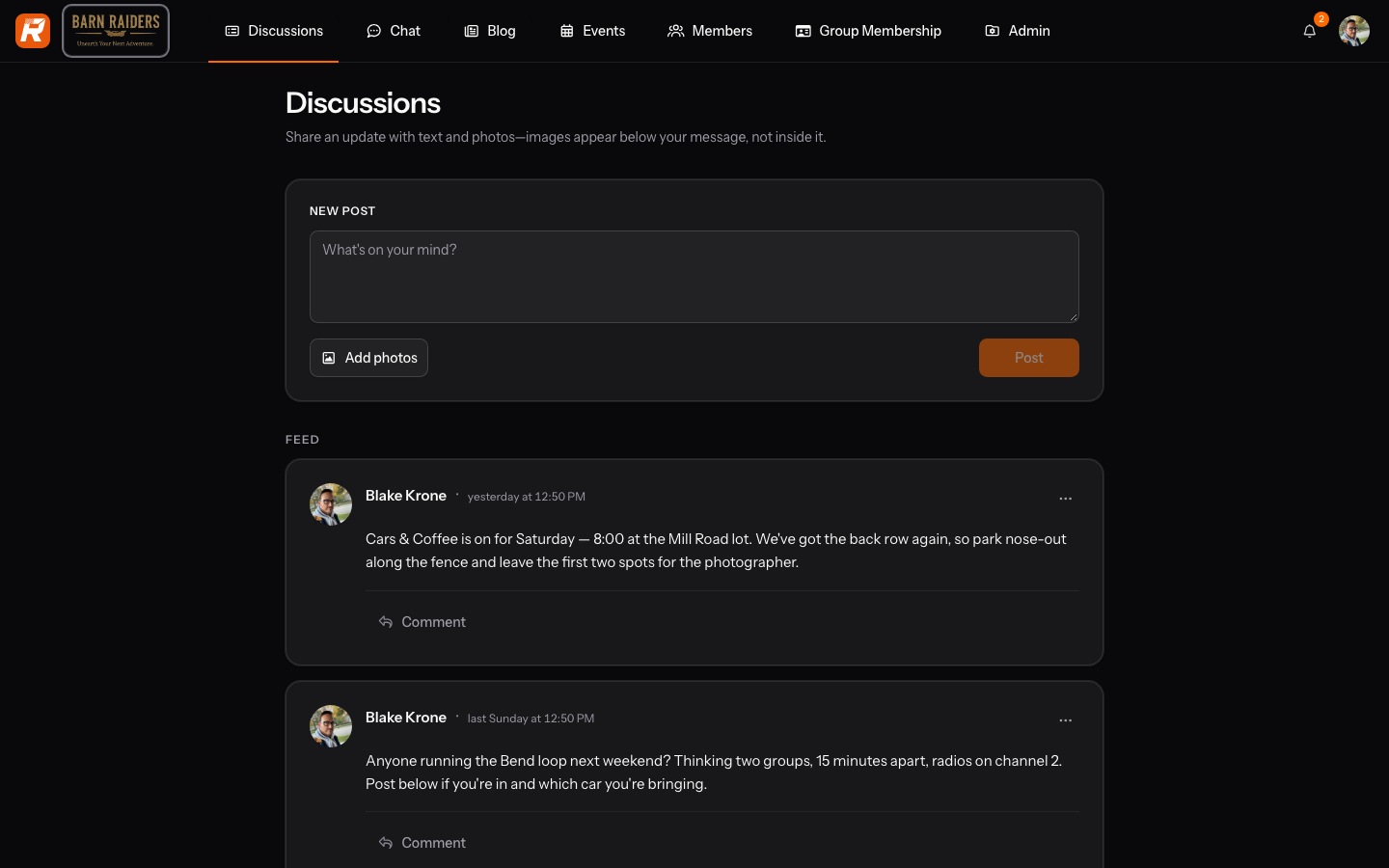
Discussions is open to any member: start a topic, reply to someone else's, @mention a person off the club roster, and attach a photo. You can edit or delete your own post at any time; nothing here is public beyond the club, and there's no separate approval step before a reply appears.
Blog is admin-written. An owner or admin publishes a titled post with its own page, and it stays there as a standing announcement rather than something that scrolls away in a thread the way a discussion reply would. Members read it but don't reply to it the way they would a discussion — a blog post is closer to a notice board than a conversation.
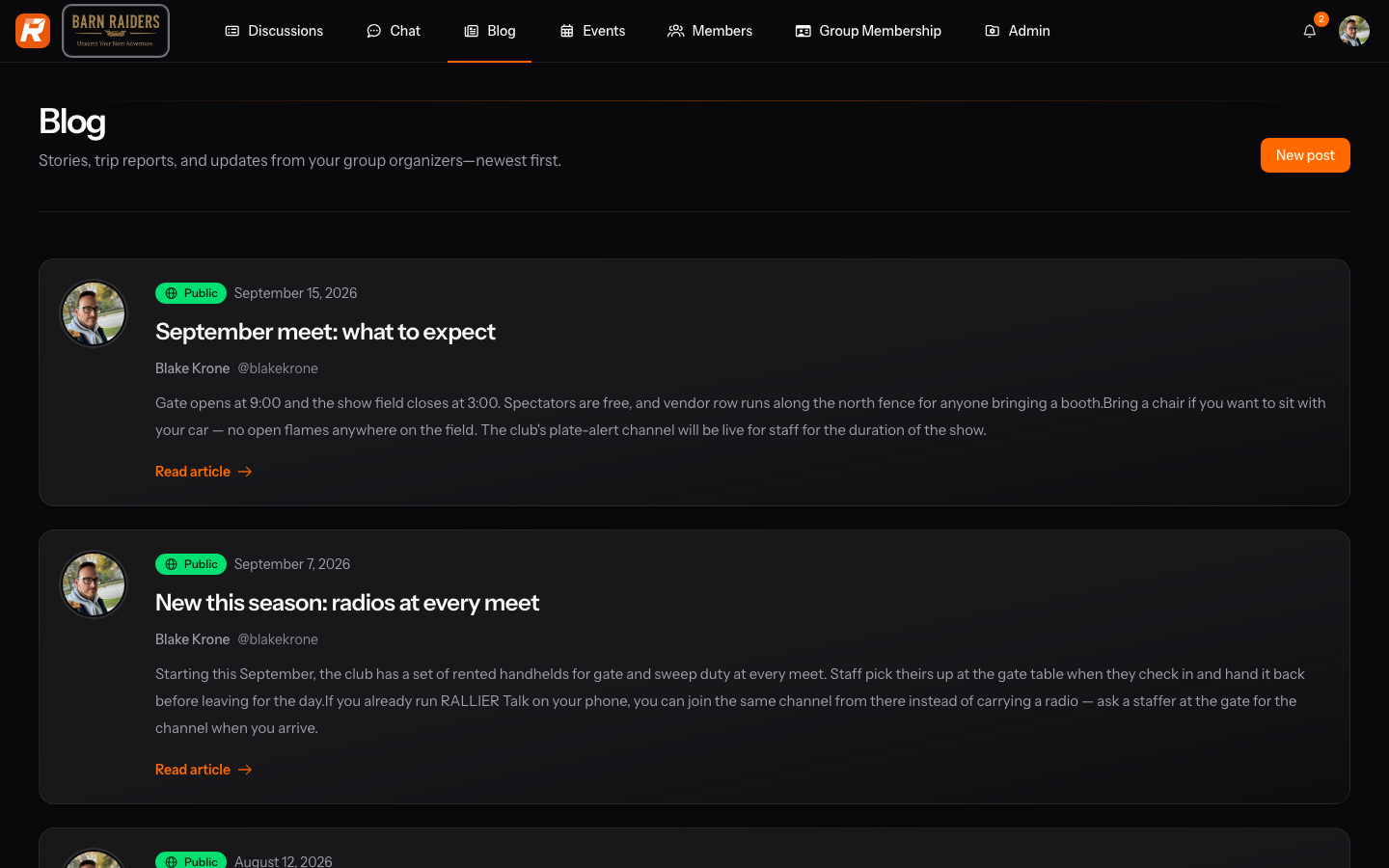
The two are stored separately on purpose — a discussion reply and a published announcement are different kinds of writing, with different authors and different permissions, even though both belong to the same club and both eventually turn up in the same place inside the app.
In the RALLIER app
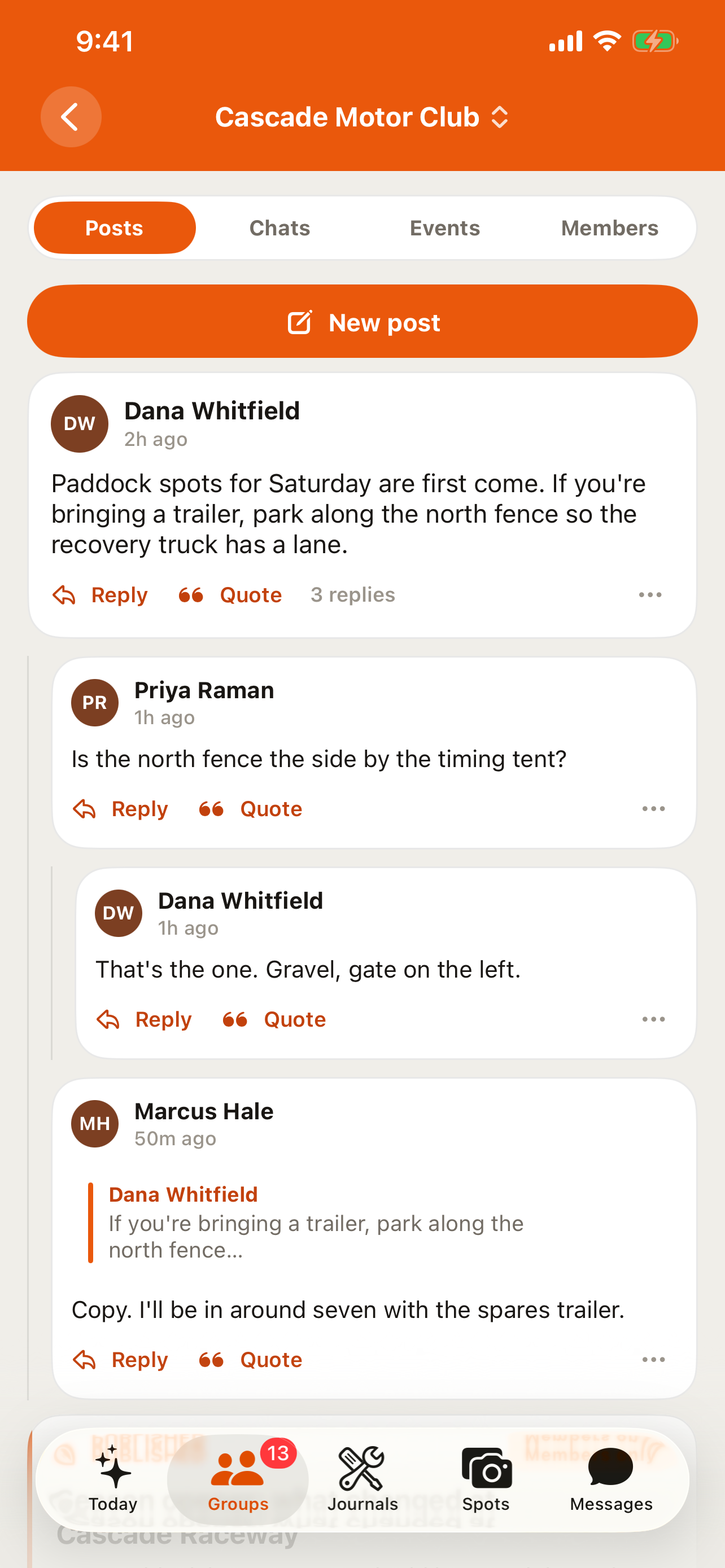
Posts merges both into one feed, sorted by date, so you don't have to remember which section to check: a discussion topic and a published announcement sit side by side, and tapping either opens the same reader. Starting a new topic, replying, and @mentioning someone from the roster all work the same way as on the web, and an edit or a delete you make from the app shows up on the web immediately, and the other way around.
On Android, composing a post lets you attach up to 10 photos, uploaded as you pick them — the same limit the chat composer uses. On iOS, a post you write from the app is text and @mentions only — photos already attached to a post display fine either way, but adding a new one to a post happens from the web.
Only an owner or admin can start a Blog-style announcement, and that's a web-only action on both platforms — the app reads a published announcement but doesn't author one. Any member can start or reply to a discussion straight from the app, on either platform, without needing any particular role.
Tips
- @mentions search your club's own roster, not the whole platform — you can't mention someone from a different club.
- Editing or deleting your own post works the same from the app as it does on the web.
- If you need to attach a photo to a new post from your phone, Android supports it directly; on iOS, do it from the web.
- A published announcement isn't something you can turn a reply into later — if it needs a member response, it was probably meant as a discussion topic instead.
- A discussion and a blog post look almost identical in the app's Posts feed; the byline and the lack of a reply box are usually the tell for which one you're reading.